CRAPPYMON BIOS v1.0  ·  640K RAM OK  ·  DEGRADING DISPLAY…

Crappy
Monitor

You design on a gorgeous Apple display. Your users are squinting at a washed-out TN panel from 2012. Crappy Monitor degrades your screen so you can catch what they can't see — before they can't see it.

Free · macOS 13+ · Menu bar app · No account, no telemetry, no nonsense
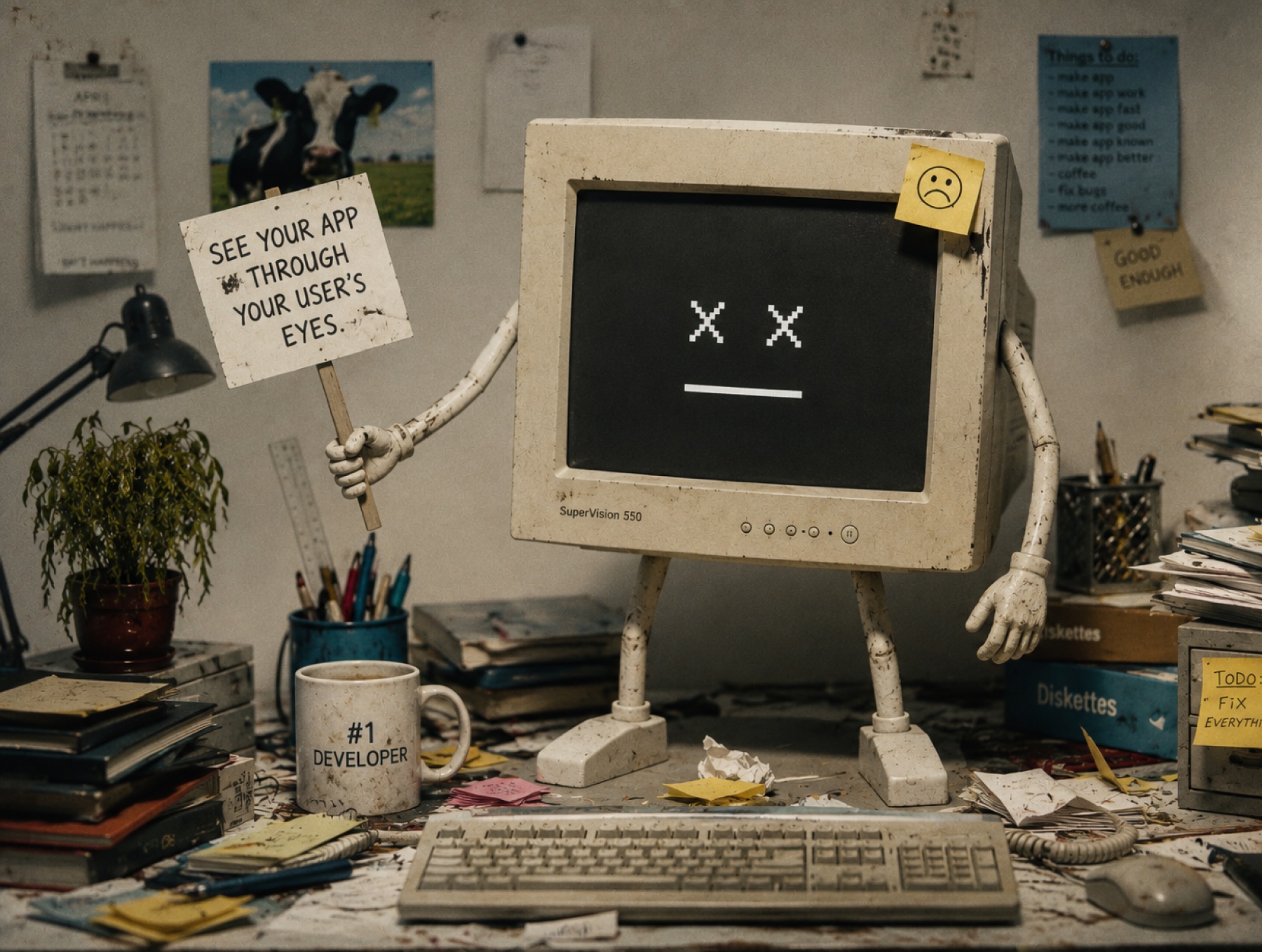
A grimy beige CRT monitor with little cartoon arms and legs, slumped at a cluttered developer desk under a lamp — surrounded by sticky notes, stained coffee mugs and programming books. Its green phosphor screen reads: Crappy Monitor — see your app through your user's eyes.

Your monitor is lying to you

That subtle grey-on-white label? Invisible. That elegant dark-mode gradient? A block of mud. That carefully tuned brand color? Three clicks warmer and two stops dimmer on the hospital-issue panel it actually ships to.

In healthcare, logistics, retail, factories and front desks everywhere, real work happens on aging, uncalibrated, low-DPI monitors. Crappy Monitor recreates them on your Mac — with real gamma curves, not an Instagram filter — so contrast bugs show up in design review instead of a support ticket.

LOOKS GREAT
ON MY MAC.
NO ONE ELSE HAS YOUR MAC.

What it does

Real display degradation

Applies actual gamma table manipulation at the display level — brightness, contrast, color temperature, gamma drift and black-level lift — so every app on your screen degrades, not just a screenshot.

Presets from real monitors

Profiles grounded in ICC data and measured failure modes of real office hardware — from the beloved Dell U2412M to a washed-out TN panel from 2005, plus patient monitors aged five and eight years.

Hold to compare

Hold the Option key to snap back to your pristine display. Release to return to crappy reality. Instant A/B, no permission dialogs, works from any app.

Low-DPI simulation

Your Retina screen packs 4× the pixels of a 96 DPI office panel. Crappy Monitor simulates coarse pixel grids so your hairline borders and 10px labels get the reality check they deserve.

Lives in the menu bar

A tiny menu bar control panel with sliders and presets. Toggle it on for a design review, off when you're done. Crash-safe: your display is always restored.

Built for design reviews

Load a preset, walk through your critical flows, and ask one question: can I still read everything and tell every state apart? If not, your users can't either.

Fix contrast bugs
before QA files them →
   Your users will
never thank you.
That's the point.

> ls /presets

Nine ways your interface is quietly falling apart out there.

CRAPPY-MONITOR — PRESET LIBRARY — 9 PROFILES LOADED
PresetVintageNative resDPIWhat breaks
Dell U2412M (office IPS)20111920×120094subtle greys, thin type
HP EliteDisplay E231 (TN)20121920×108096midtone crush, cool cast
Lenovo ThinkVision T23i20161920×108096the "fine, I guess" baseline
LG 22M38A (cheap TN)20141920×1080102contrast collapse, blue shift
Crushed blacks (common TN)20081920×108092dark-mode details vanish
Faded backlight (aging LCD)20111920×108092everything dim & warm
Cool office TN washout20051280×102496pale UI turns invisible
Philips IntelliVue MP40 (5 yr)2007800×60083clinical UI at bedside
Philips IntelliVue MX450 (8 yr)20121024×76885eight hard years of ICU duty
// values derived from ICC profiles & documented panel failure modes — not vibes

Get it

Download the app

Signed & notarized DMG, straight from GitHub Releases. Drag to Applications, click the menu bar icon, pick a preset, feel bad about your contrast choices.

▼ Download .dmg

Or use Homebrew

For people who install everything from the terminal (you know who you are):

brew install --cask crappy-monitor

Source code

Crappy Monitor is going open source. The repo is getting a final tidy-up before it opens to the public — star it now and you'll see it the moment it does.

★ Watch on GitHub

Requires macOS 13 Ventura or later · Apple Silicon & Intel · Not on the App Store (sandboxing forbids the display-level tricks that make this work) · No data leaves your machine, because none is collected.